Find the diagonal
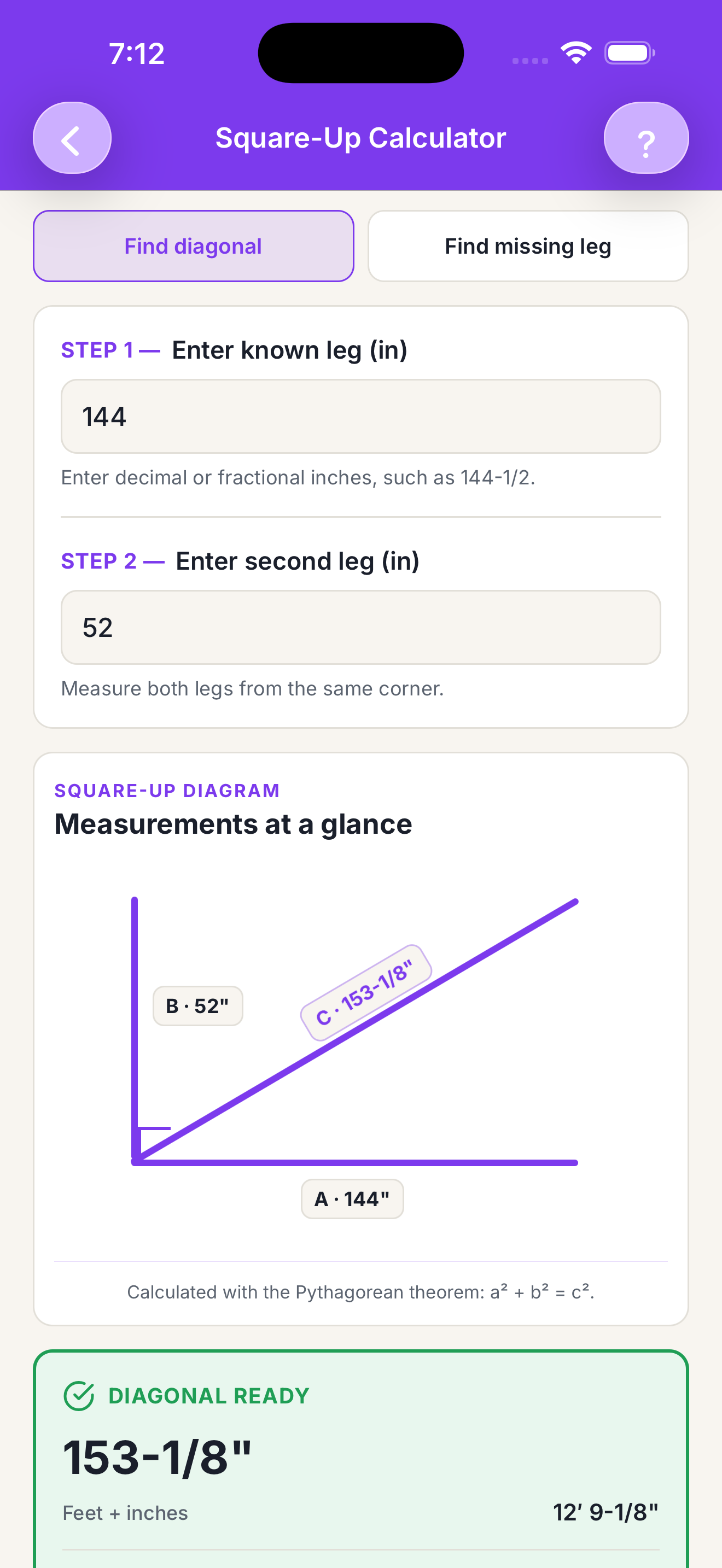
Enter two known legs to calculate the corner-to-corner diagonal using the Pythagorean theorem.
FRAMING / TOOL 06
Find the diagonal before the layout gets away from you.
Find a diagonal or missing side for a square layout, with field-ready fractional dimensions in inches or feet and inches.
WHY IT’S USEFUL
A layout that looks close can still be out of square. Build Specs turns two measured legs into the diagonal you need to check a deck, foundation, wall, or other rectangular layout before the error carries into the rest of the work.
WHAT IT DOES
Enter two known legs to calculate the corner-to-corner diagonal using the Pythagorean theorem.
Start with a known diagonal and one side when the layout needs a missing dimension filled in.
Work in decimals or fractions, then read the result back in total inches or feet and inches.
USE IT WHEN
KEEP EXPLORING
BUILD WITH CONFIDENCE